How to become a wireframe master
 Daniel Wodziczka•Feb 17, 2021•5 min read
Tips on how to design wireframes to make developers’ and clients’ lives easier.
So, you clicked on this article because you want to know how to rock wireframes, deliver them to the developers like a boss and dazzle the client with your presentation. It’s the right place.
First of all, it’s worth emphasizing what exactly are those wireframes and why designers, developers, and clients need them so much.
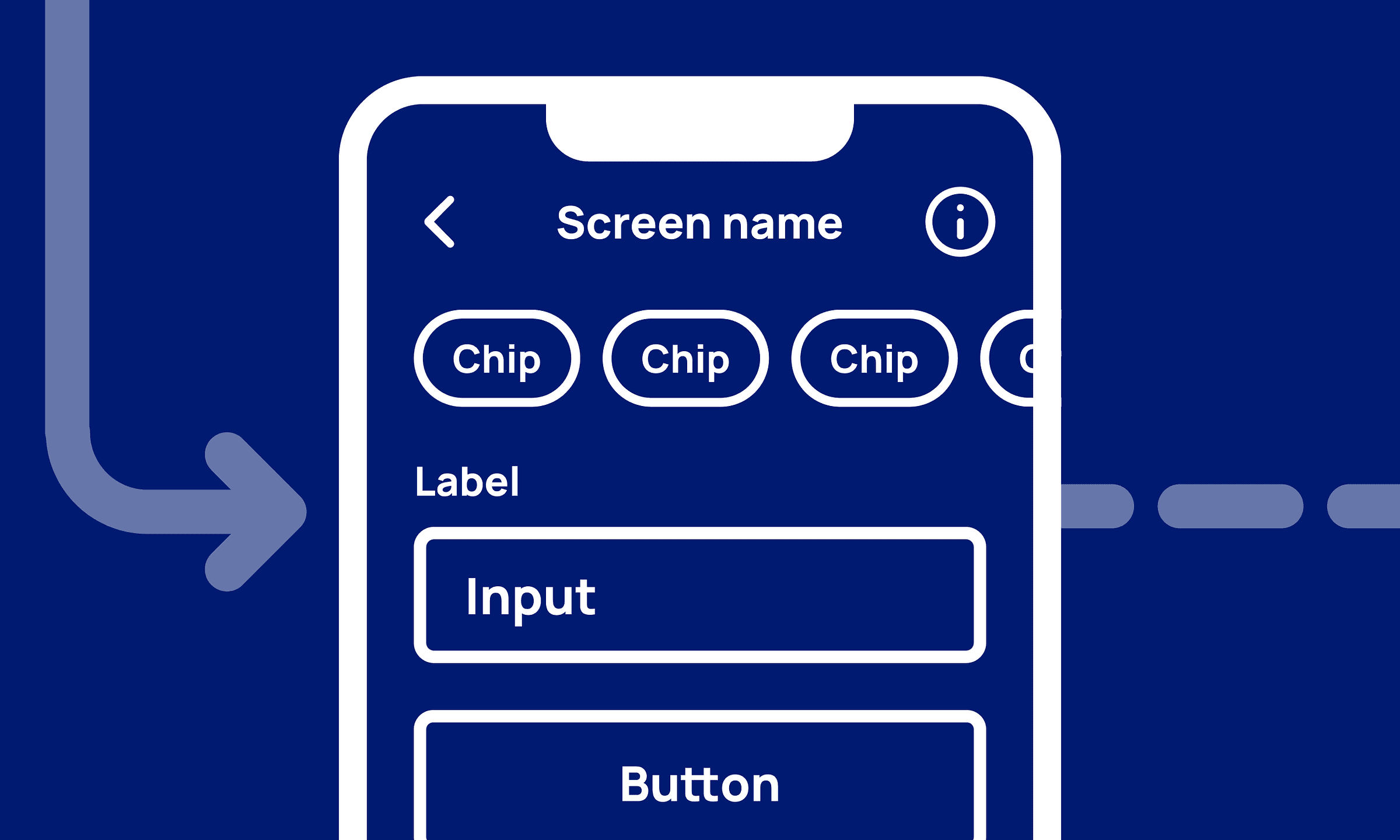
Wireframes are used mainly in the UX design phase to schematically define the basic elements and functions of a project. When it comes to wireframing, the highest priority lays in working on the user experience, while detailed interfaces or animations can be put aside for later development.
Wireframing is the best moment for exploring possible ways for a project’s growth, trying out different ideas, and basically — finding out what works and what doesn’t thanks to the low cost of changes in low fidelity wireframes.
Well-prepared wireframes can be used for the developer’s approximate estimates, can be even used as a base for the first lines of code for both frontend and backend as well. It’s a perfect way to show your clients' first attempts at their product and iterate quickly to find the way to push forward.
Tip 1 — Make a flow, not single screens
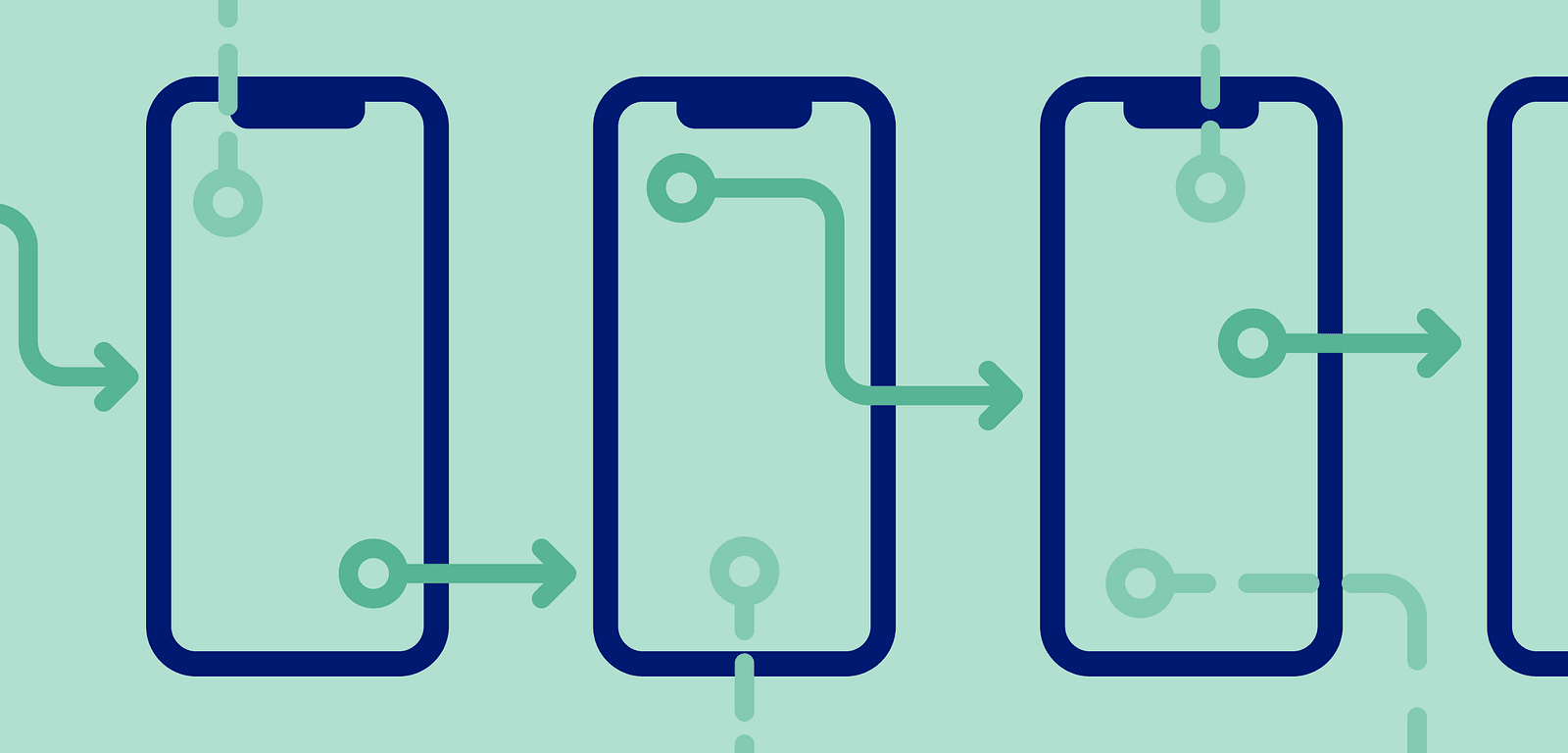
None of the existing digital products are based on single screens, every one of them has some sort of flow that users start and end. Deliver clear and straight-forward flows for developers and clients to show basic interactions and experience.
- Prepare the whole flow from start to finish with every state of screens, components, alerts, and so on. Use arrows to visualize how screens correspond with each other and where redirect elements, like buttons, are located.
- Show interim states to present the context of a screen such as a native mobile keyboard, loaders, or dropdown modals. Developers will thank you for it.
- Don’t forget about edge-cases. They aren’t a part of elementary flows or functions to think of it at first, but they’re important to predict problematic scenarios in advance.
Tip 2 — Keep it neat and clear
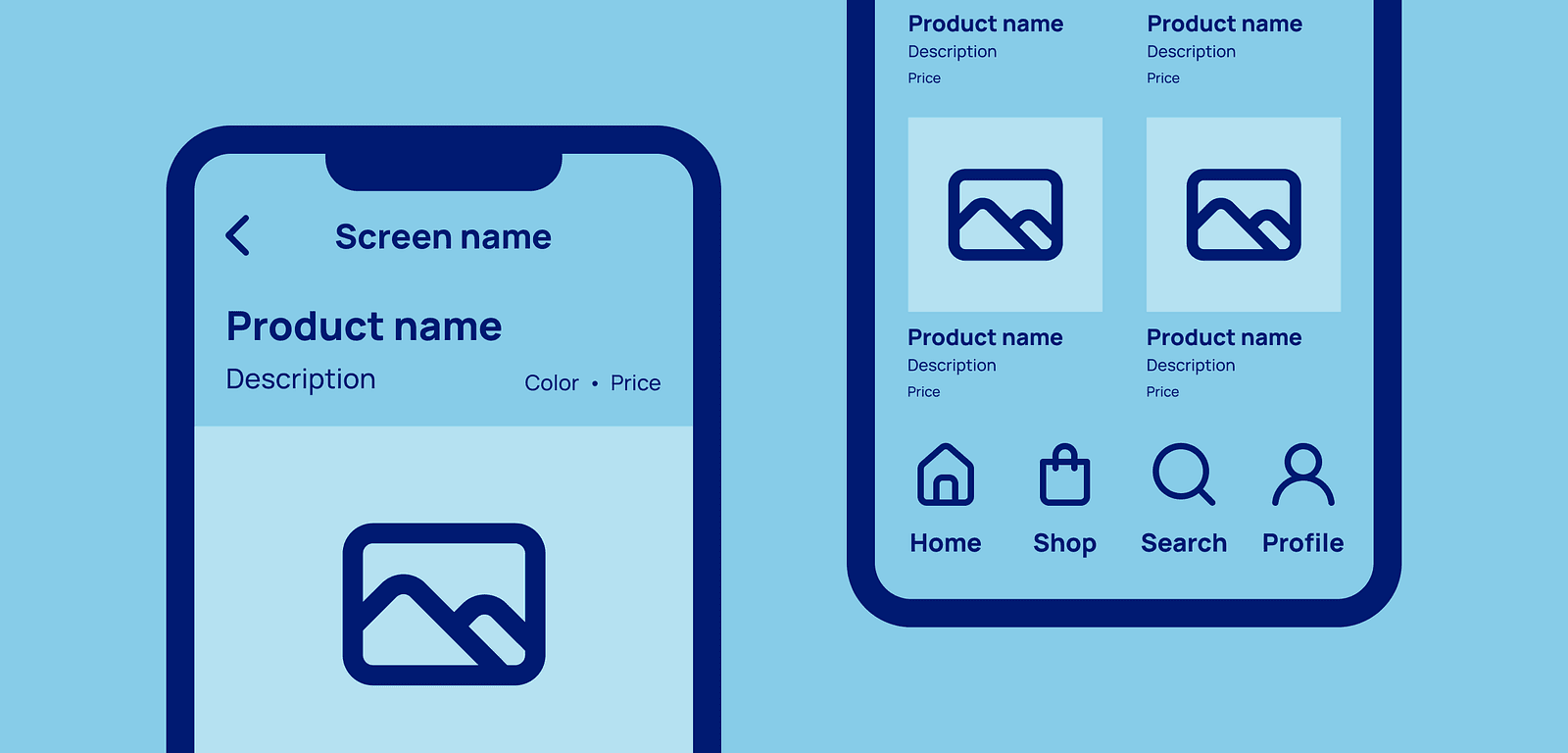
The wireframes are usually a project’s low-fidelity blueprints. It’s always worth keeping them good-looking. I’m not talking about working on the final interface — make your wireframes visually pleasing to avoid distraction in the other, uglier way.
- Apply the basic rules of interface design, wireframes are interfaces too. Keep the typography consistent, work with unified alignments and spacings to make it look like a regular app or website.
- Use default or native components as much as you can. It will dramatically speed up possible development and it will improve the client’s understanding of what is happening on the screens.
- Use only the “black and white” color palette to avoid being distracted by other colors. First focus on creating a good experience and meeting the client’s expectations and goals, and on providing developers enough elements to start development.
Tip 3 — Consider making a prototype
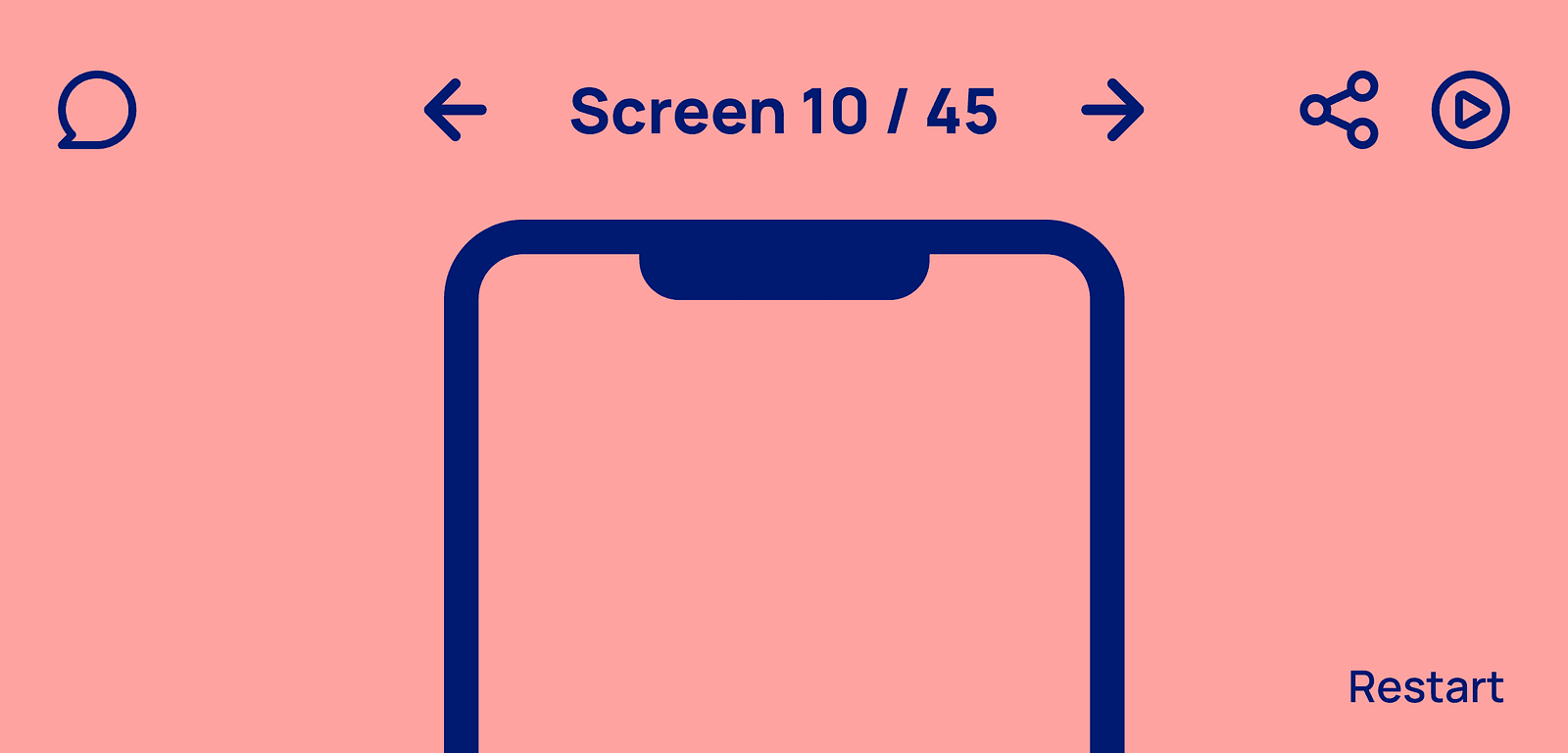
You can use some more advanced design tools to make your wireframes move like a regular app or website. If time and money allow, the prototype is sure to help rather than harm.
- A prototype can help developers with the first product’s visualization, and making an estimate or coding fundamentals, no matter if the development phase starts right after wireframes or only after the final UI.
- How it can look in a real-life project? Here’s a case we’ve worked on in Software Mansion: after the wireframe phase, we created a prototype that was used in an external user test to find and eliminate the biggest issues and threats in an early phase of the product.
- Discussing the product aspects based on a clickable prototype will make the client-developer meetings so much more productive! Looking on canvas filled with +100 screens connected by arrows is half as effective or rewarding.
Tip 4 — Take care of versioning
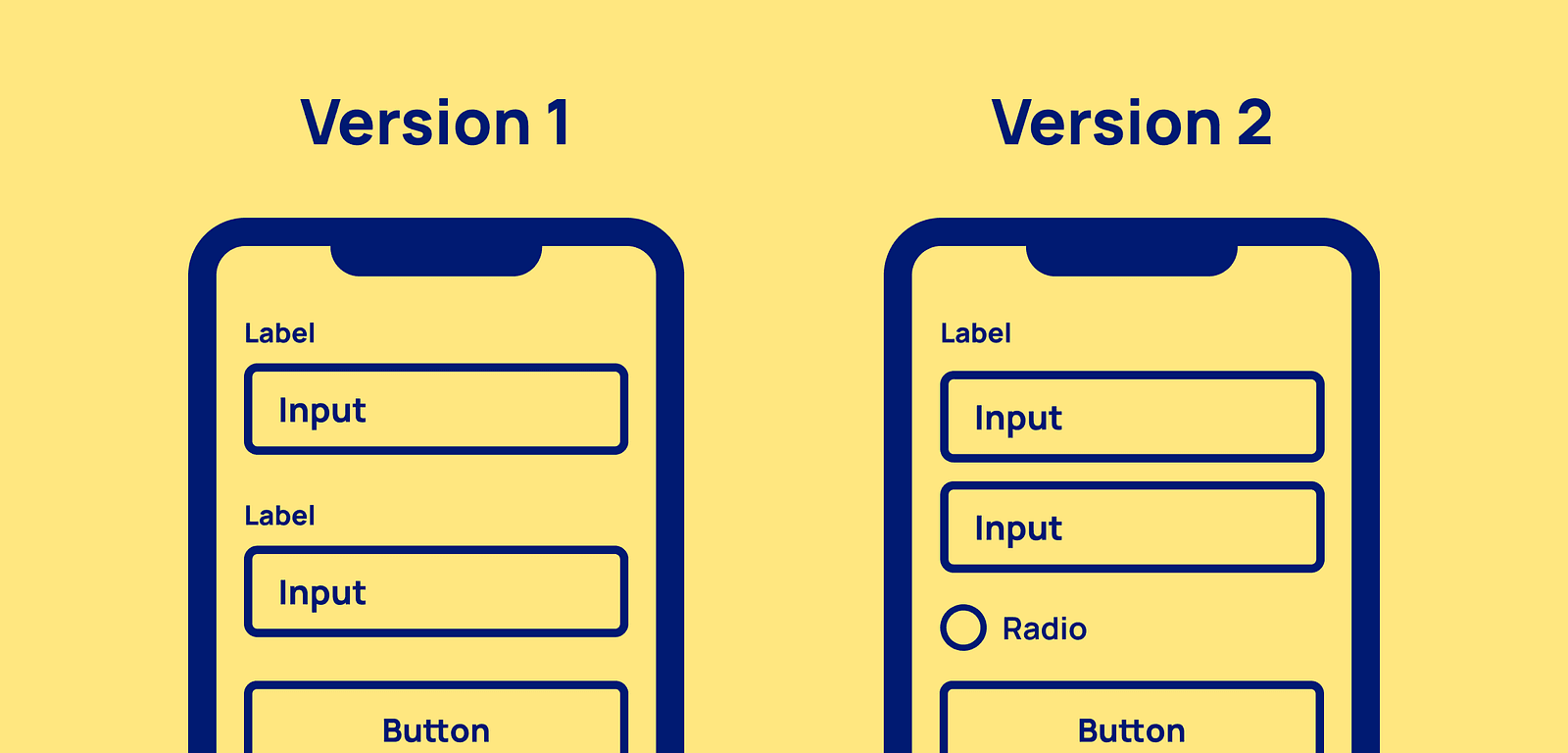
The wireframe phase is potentially the most dynamic and prone to changes moment in the design process. The best way not to get lost in the clutter of improvements is to keep all the screen versions under control.
- Use software that has enough versioning potential and allows you to easily export the project both online and offline. Every project and client needs a little different approach, so be flexible in that area.
- Determine how your versions will be saved. Do you want to make a version after every agile sprint, maybe after workshops with clients, or after every milestone in the project? It’s an open question for you, make it fit in your process.
- It’s always beneficial to note the changes you’ve made since the previous version. In this way, no one will miss any updates or worth-noticing impressions statements from meetings.

Tip 5 — Use the right tool
There are tons of tools that can be used to create wireframes such as Balsamiq, Uxpin, Figma, Framer, Miro, Adobe XD… Some of them specialize only in wireframing, while the others are broadly used as design tools.
- When choosing a tool, take into account the number of ready-to-use components, specific devices which you design for, the versioning system from tip 4, elements like cooperation with other designers, exports methods, or access to more technical information for developers.
- If you deal with the next phases of the design process, consider making wireframes in the same tool, which you will also use to create the final interfaces. It will save you a lot of time and stress. Such tools often have many improvements for developers in the actual development phase too.
And that’s it. Follow these tips, and we are sure that most of the clients and developers will fall in love with your process and wireframes themselves.
Check out more technical articles on Software Mansion medium or check Daniel’s last article on How to not go crazy on remote working. We also started our profile on Dribbble, where we published a brand new Software Mansion Icon Pack.
Note about design tools and wireframe creation — we would like to recommend you Daniel’s original Figma wireframe kit called Lowdi. It has everything you need to create wireframes — components, device mockups, flow assets. Completely free to download from the Figma community.
Figma - Lowdi Wireframe Kit Figma Community file - Set of prototype ready components to help you create wireframes in a flash